See what needs your attention and what's new in Studio — all from one panel.
Accessing Notifications
Location: Studio > bell icon (top header)
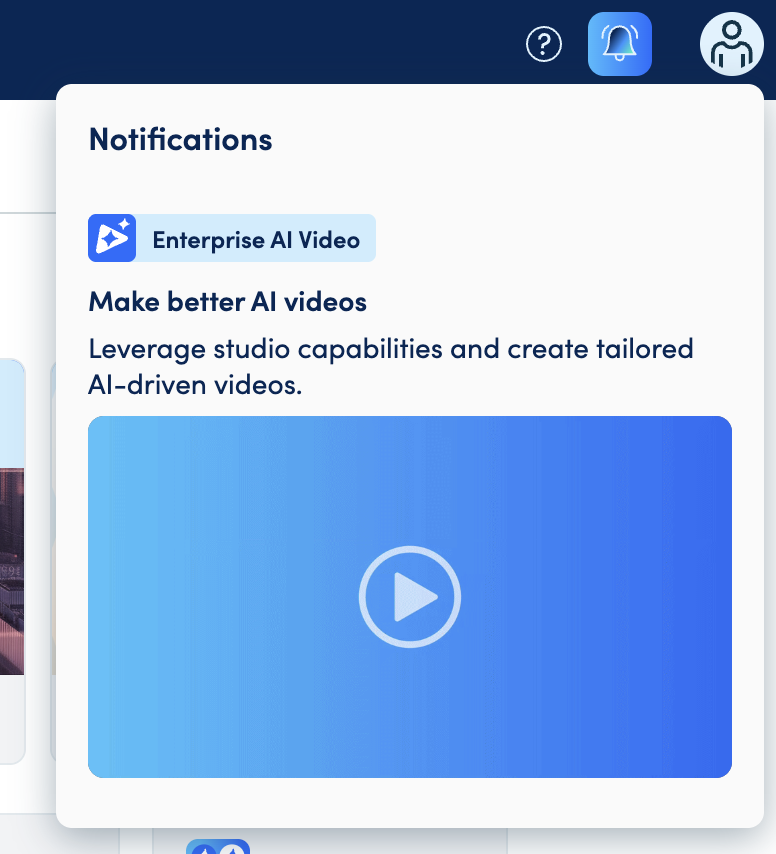
Click the bell icon to open your notifications panel. Notifications are grouped by date: Today, Last 7 days, and Older, newest first.
How It Works
There are two kinds of notifications:
| Type | What triggers it | Example |
|---|---|---|
| Personal | Something happens in your account | "Video ready for review" |
| Announcement | Idomoo shares something with everyone | New feature tips, platform alerts |
Click anywhere on a notification to go to what it's about — for example, a "Video ready for review" notification opens that video's review screen. If a notification points somewhere outside Studio (like a help article), it opens in a new tab.
Notification Details
New notifications: The bell icon animates whenever something new comes in — whether you're already in Studio or you're just opening it.
How long notifications stay: Notifications stay in your panel for 30 days, then they're automatically removed, whether you've read them or not.
Common Questions
Q: Can I delete a notification from my panel? A: Not yet.
Q: A "video ready for review" notification disappeared. Does that mean the video is fine? A: No. Notifications are removed automatically after 30 days regardless of whether the review happened. Check the video's file list entry for the review icon to confirm its status.
Q: I clicked a notification and got a "not found" page. What happened? A: The thing it linked to (like a video) no longer exists. The notification still shows in your panel, but the link won't open.